

Dashboard
What you land on after signing in. Connectors are grouped by integration with a count each, so you can see how many of your customers are on BambooHR versus Workday, and narrow to one category with the All / HRIS / ATS / LMS tabs.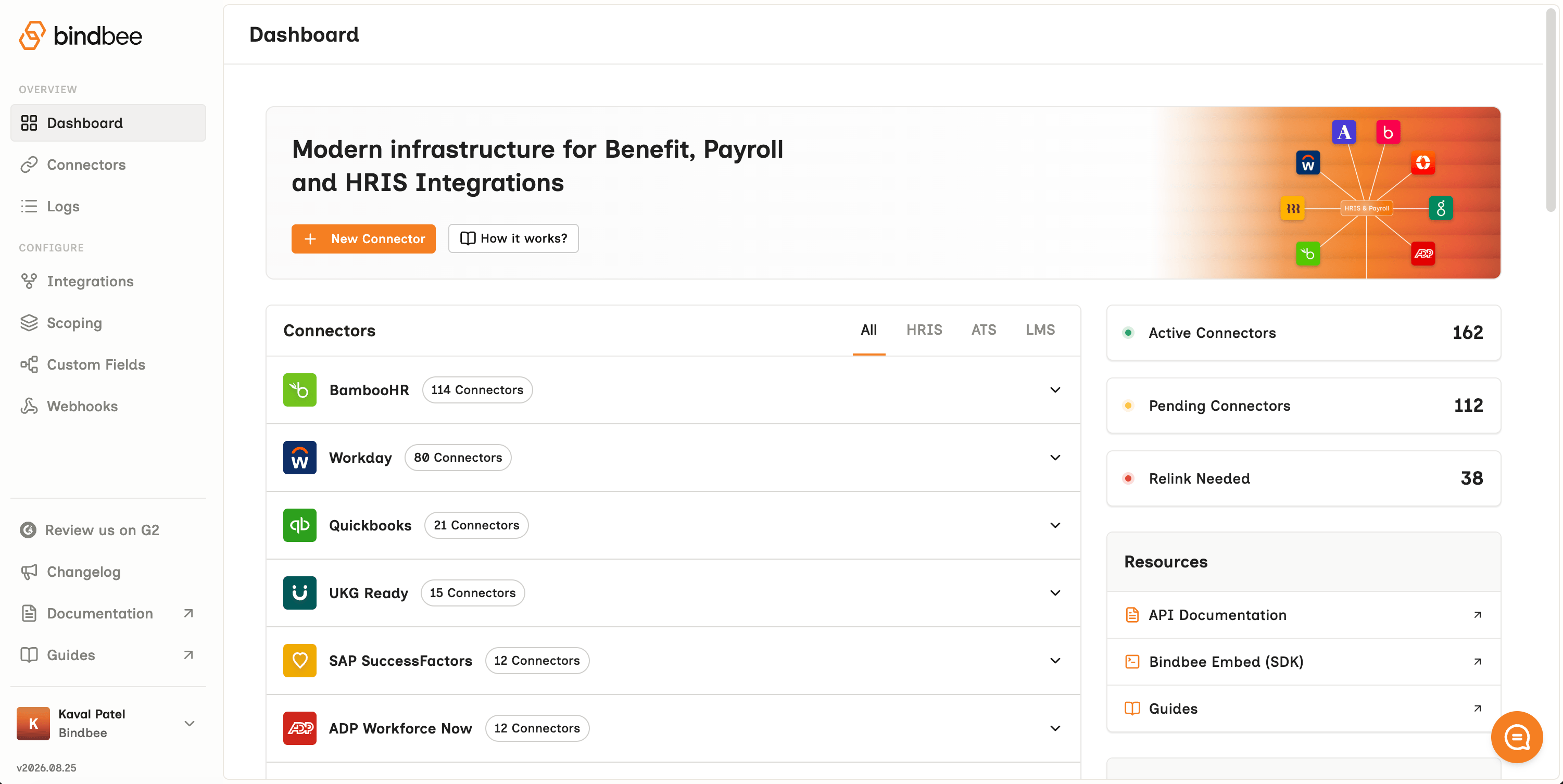
Magic Link
A connection page Bindbee hosts for you. Send it to whoever runs your customer’s HR system; they sign in and approve access, and the connector is created. Their credentials never pass through your product, and you don’t build any of these screens. See How to connect for this and the other route.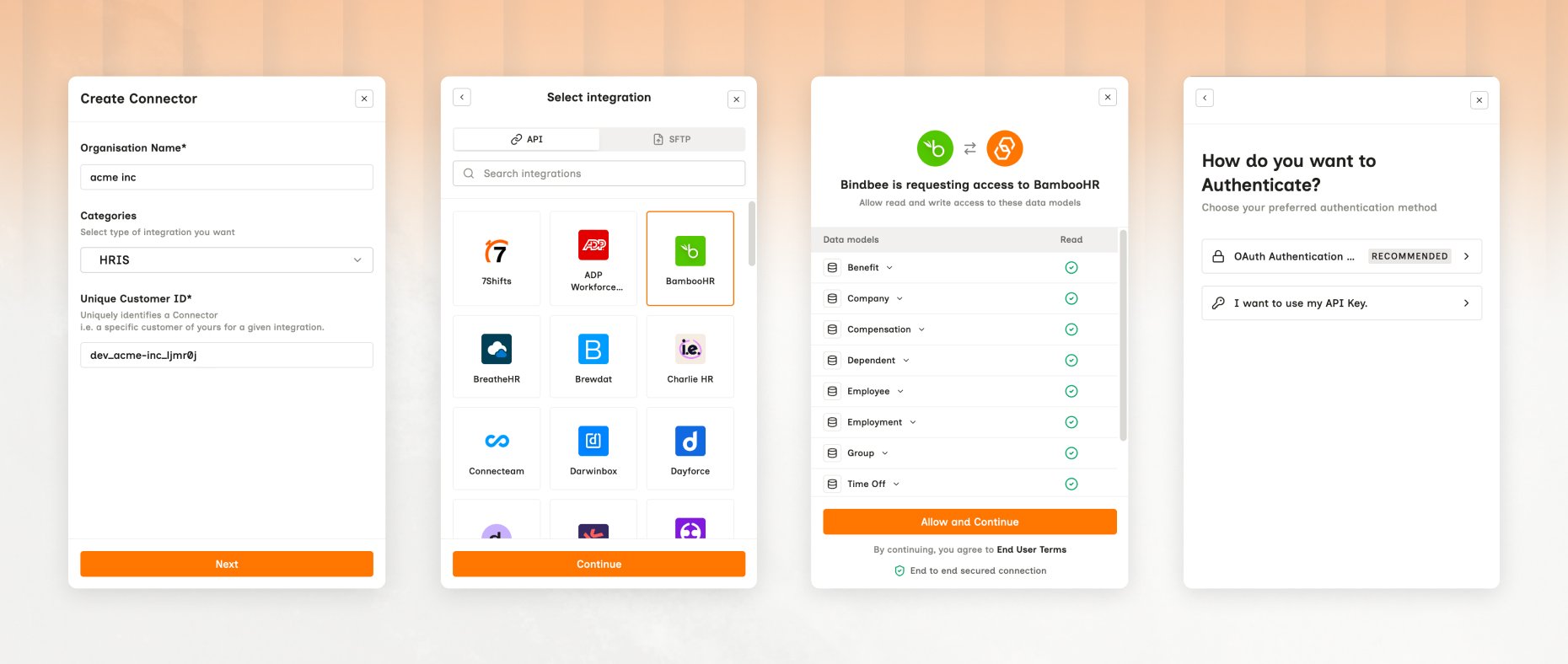
Connectors
A connector is one customer’s authorized link to one third-party system - one connector = per customer, per system. Find them under Connectors, with separate Development and Production tabs.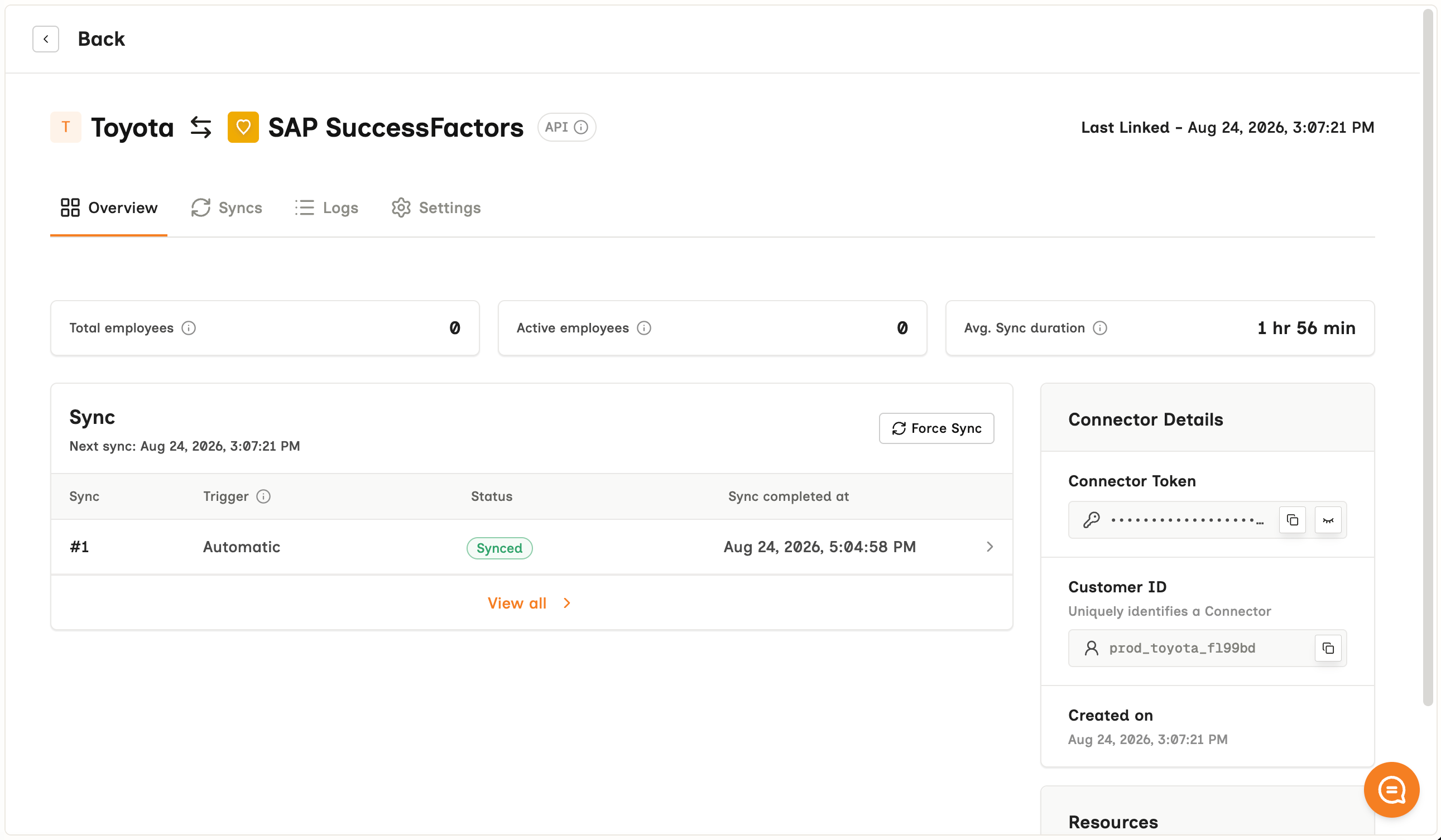
Logs
Every request and response, per connector, with the source system’s own error preserved. Open Logs, or reach one connector’s logs from its own page. When a sync misbehaves this is the first place to look - see Logs.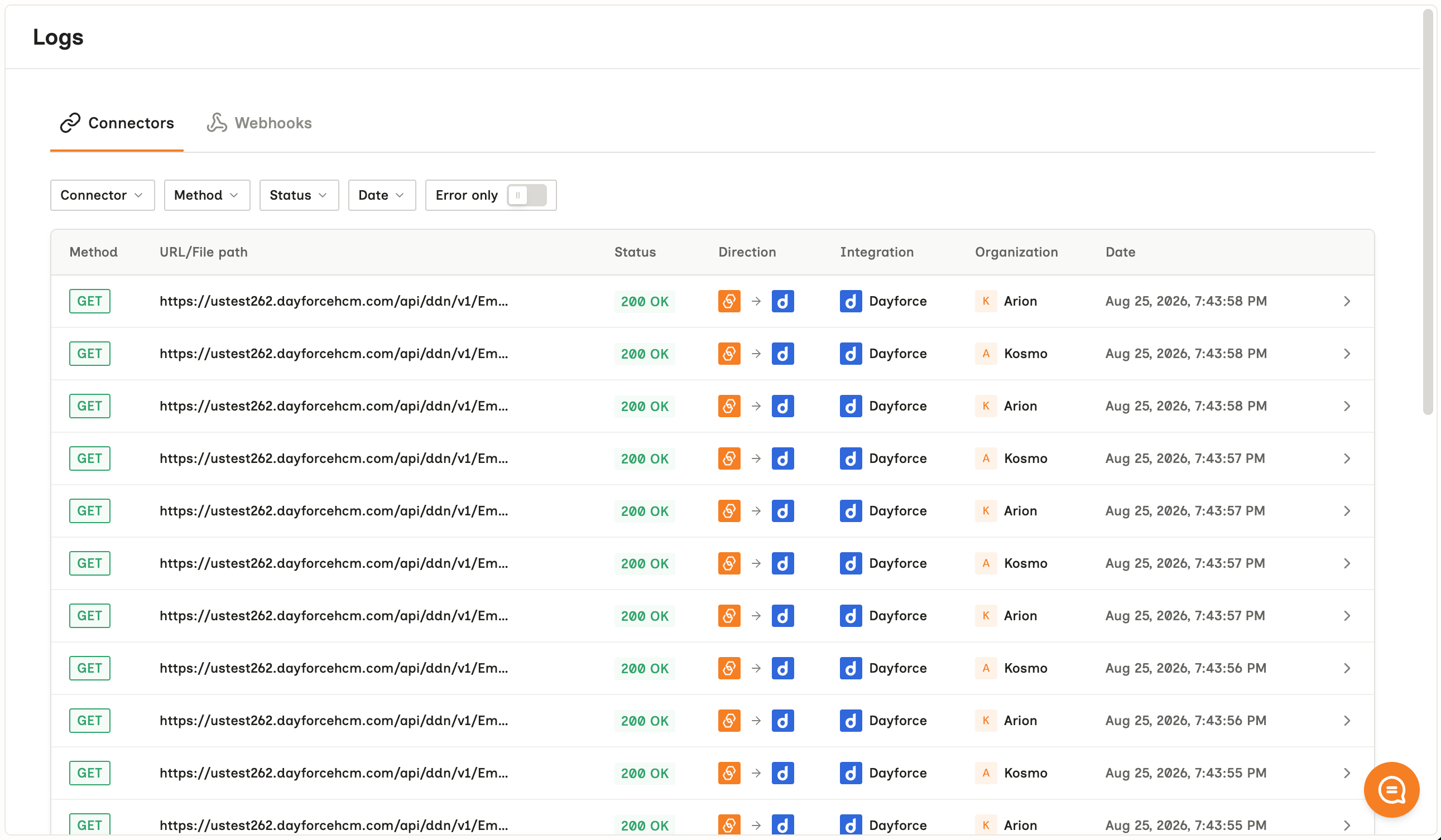
Custom Fields
Where you define values the unified model does not carry and map them out of the source system’s own payload. Learn more on Custom Fields.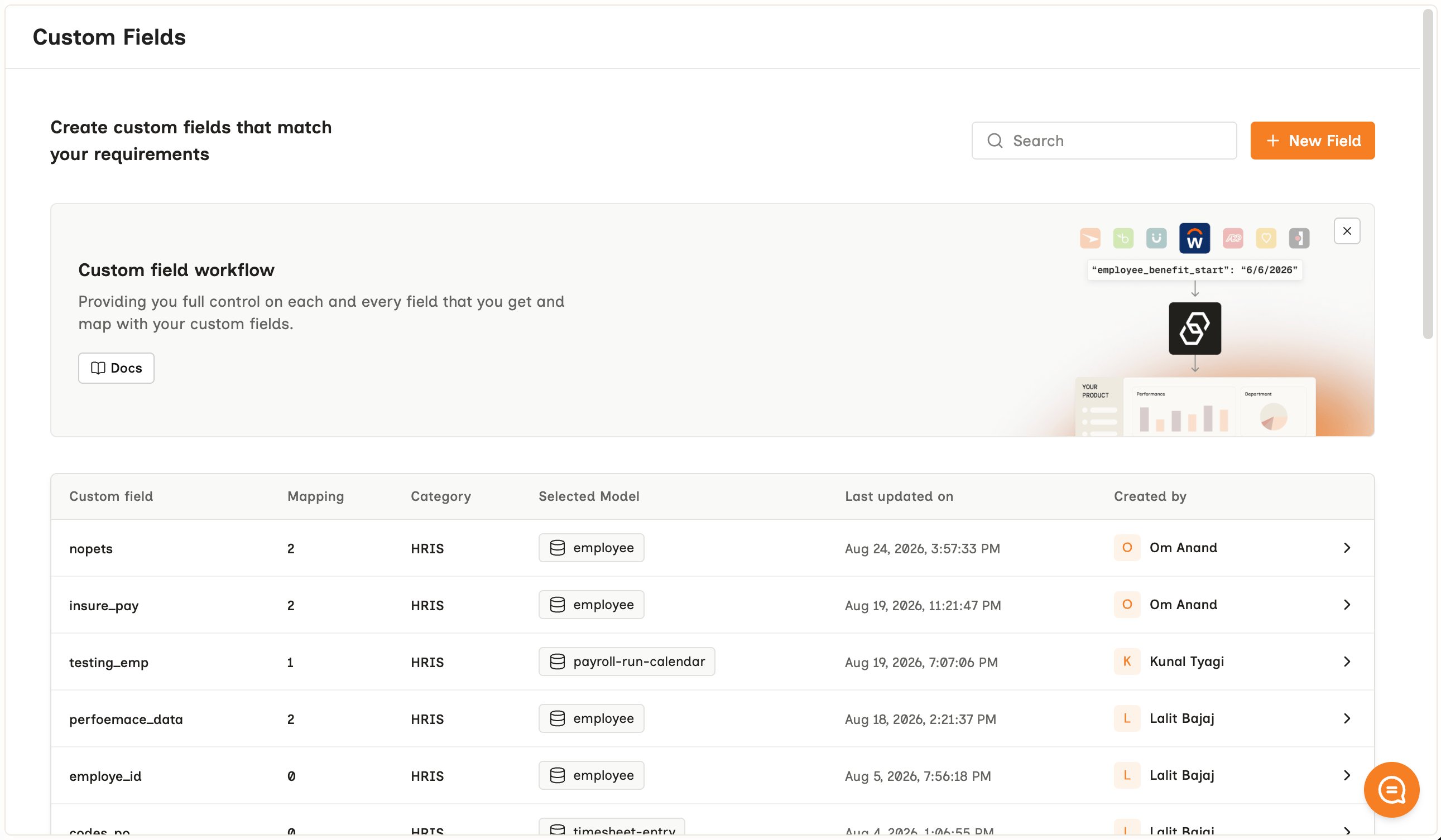
Webhooks
Where you register a destination URL, choose which events reach it, and find the signing key. See Webhook.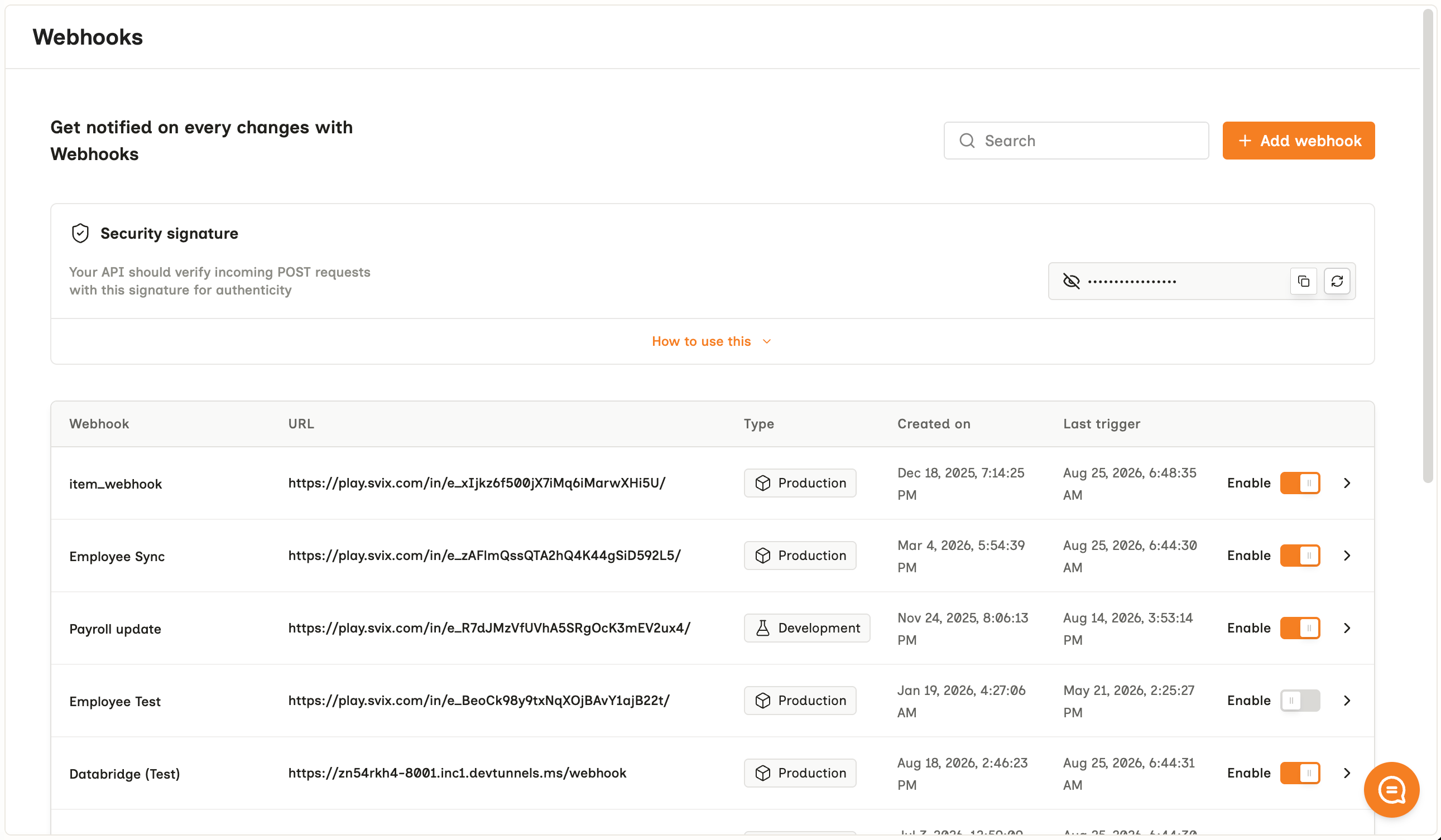
Changelog
What has changed in the Bindbee platform - new integrations, new models and fields, and behavior changes worth knowing about before they reach your connectors.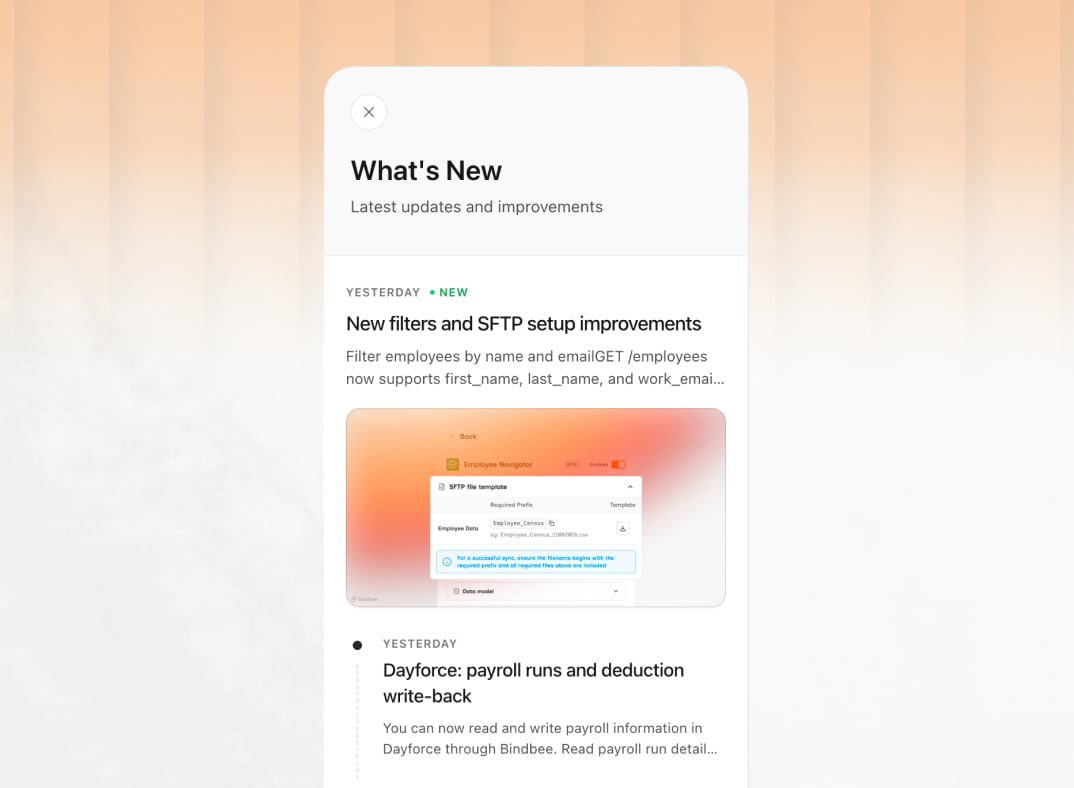
Where to next
How to connect
The two ways a connector gets created - a hosted Magic Link, or the Embedded SDK.
API basics
Authentication, pagination, rate limits and sync frequency.