> ## Documentation Index
> Fetch the complete documentation index at: https://docs.bindbee.dev/llms.txt
> Use this file to discover all available pages before exploring further.
# Magic Link
> Enable seamless integration for your end users without the need for any code.
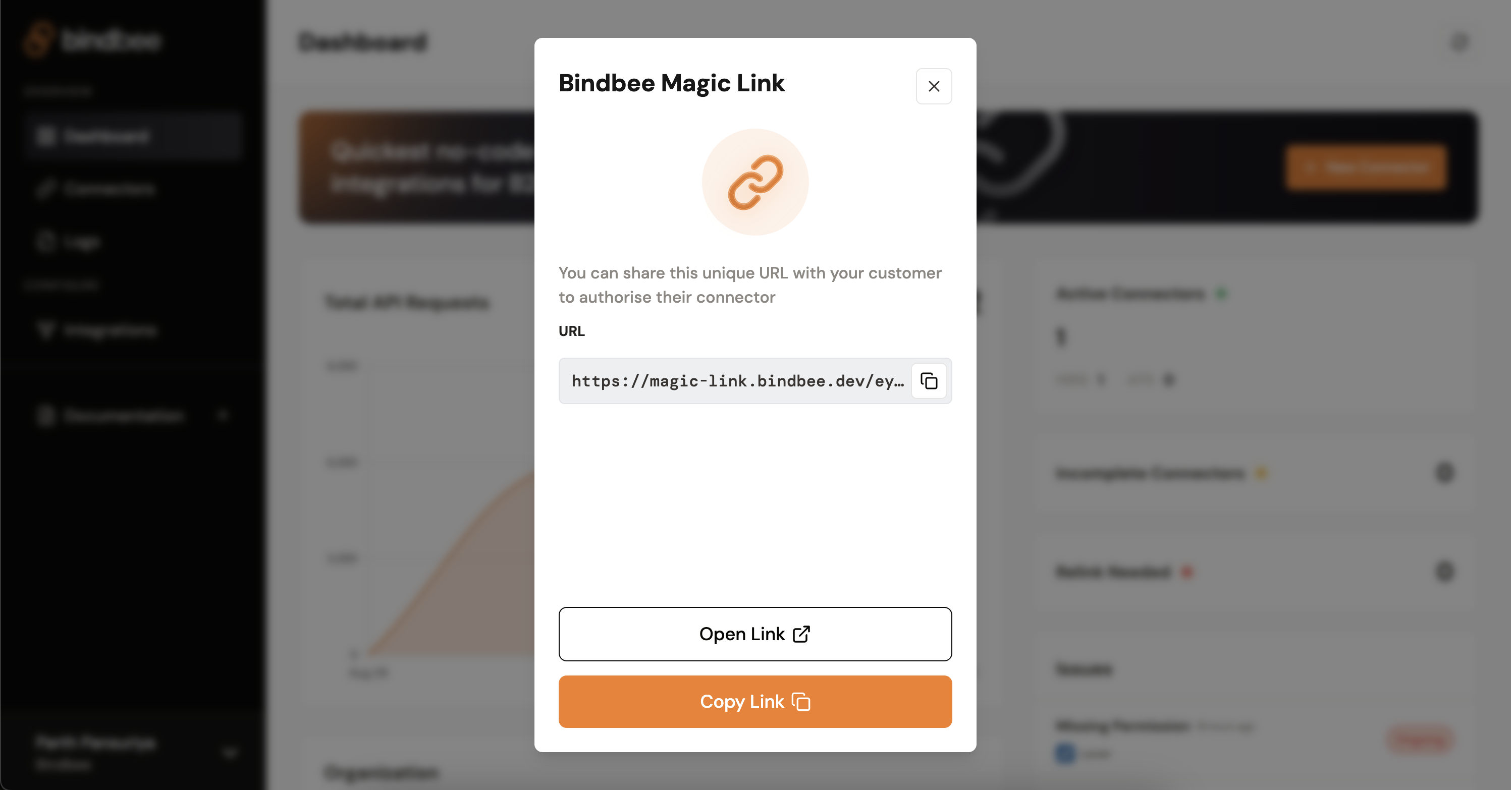
Bindbee's Magic Link feature offers B2B tech companies an easy way to deliver an in-browser Link experience to their end-users without requiring any front-end code. With this feature, you can deliver a secure URL to your end-users that will provide them with an intuitive, user-friendly experience.
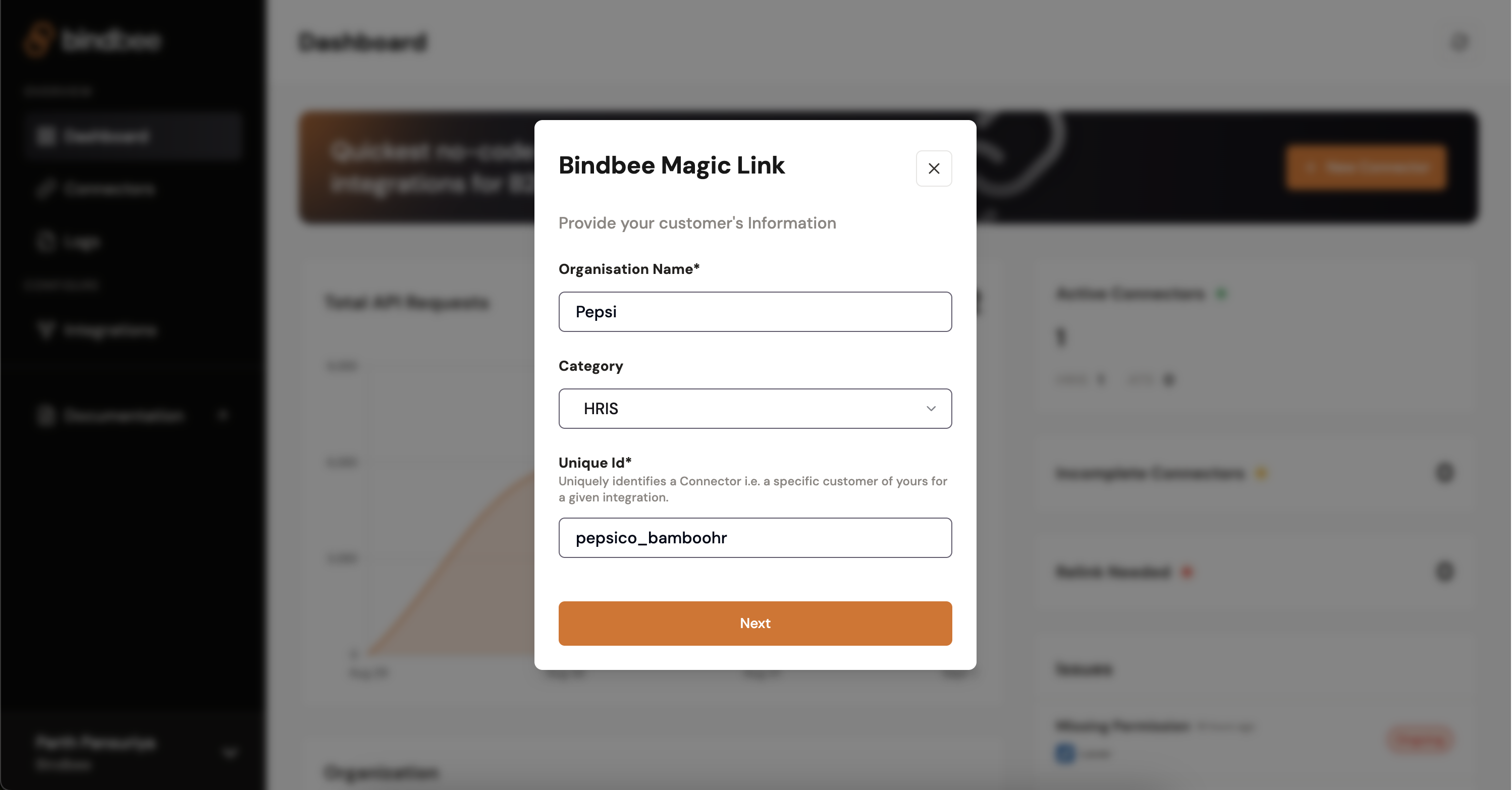
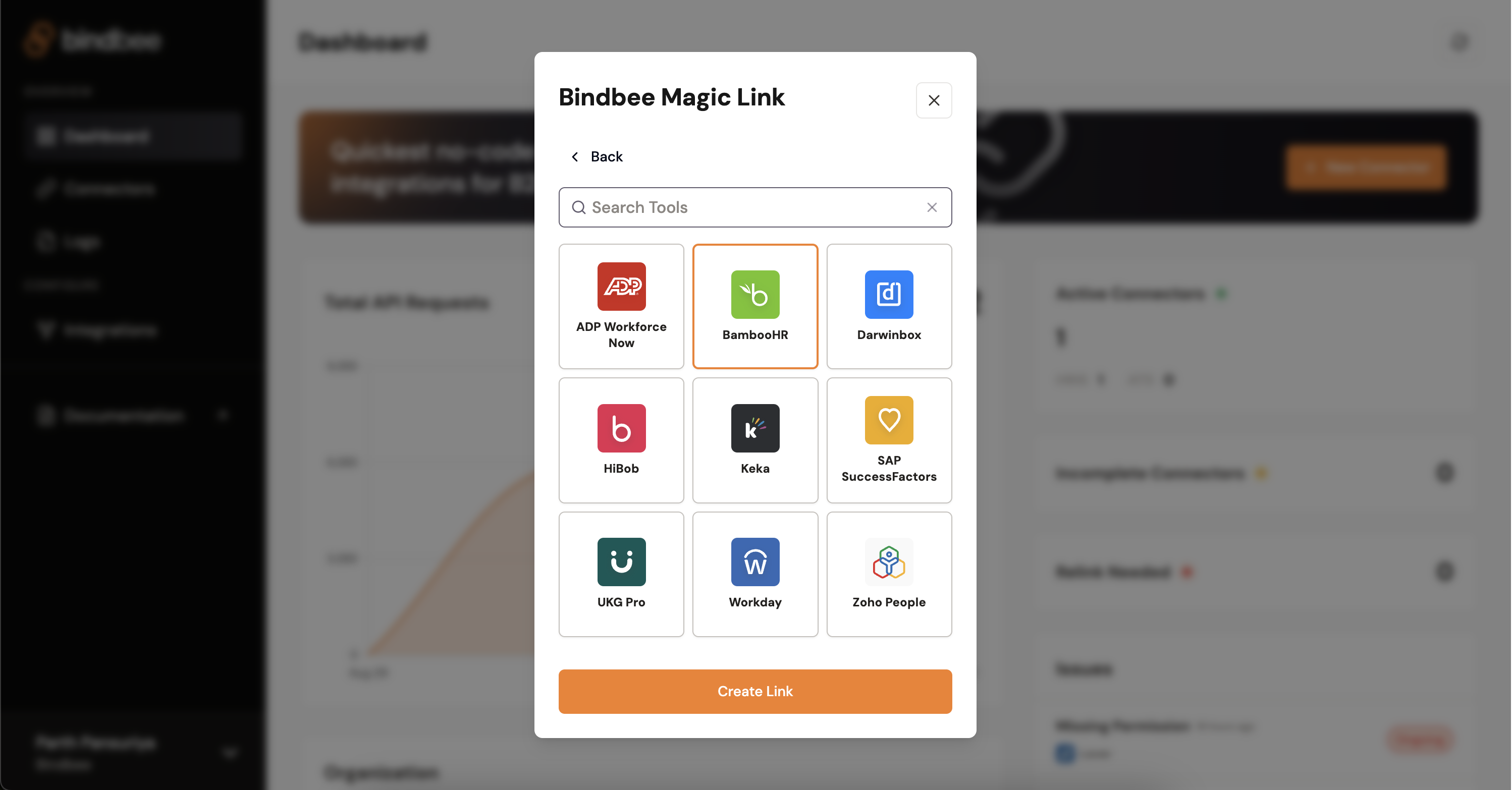 Fill in the details of your customer (end-user) and share the link with them.
 Your customer opens this link and authorizes your company to get the data from their tool.
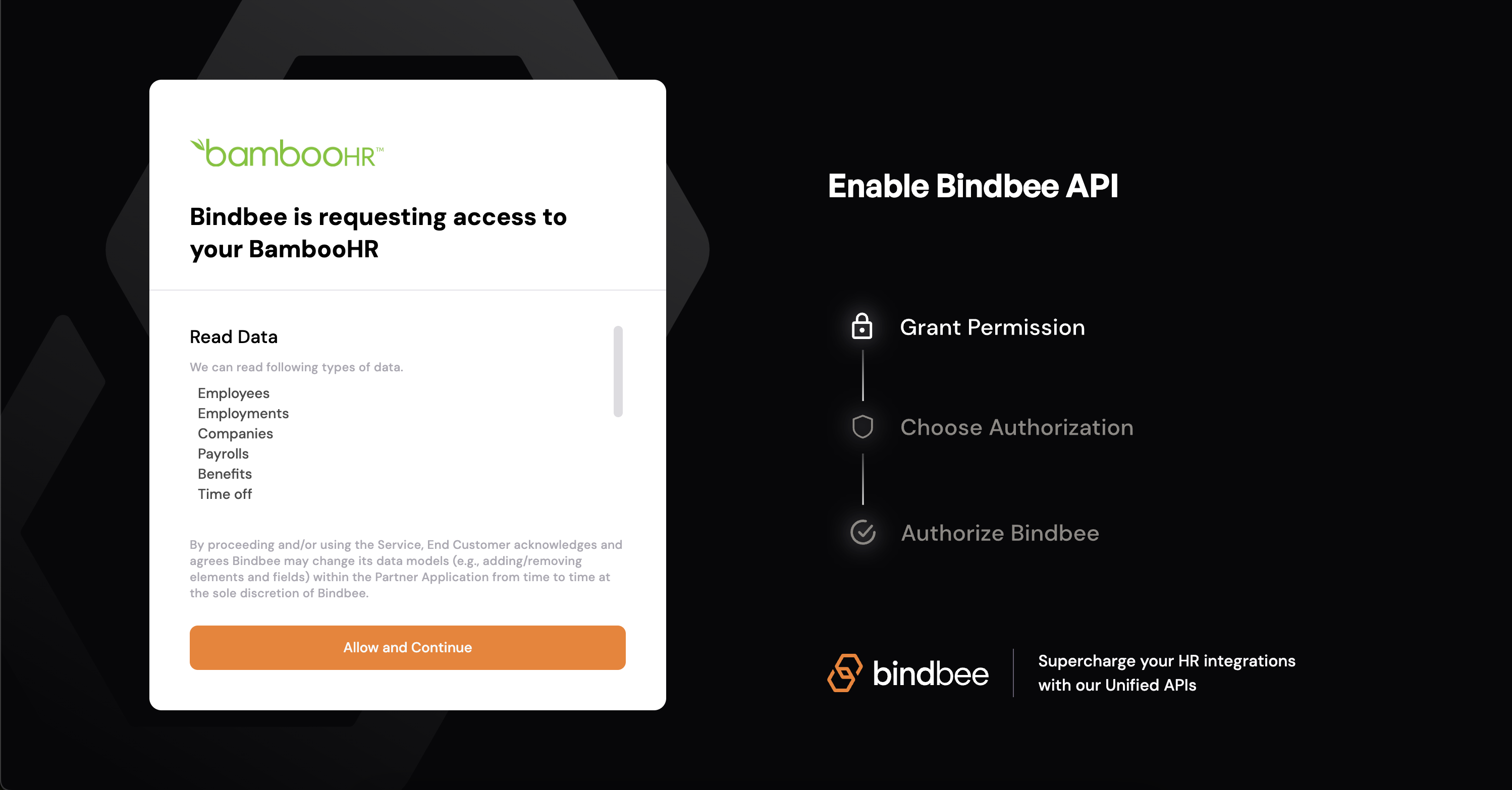
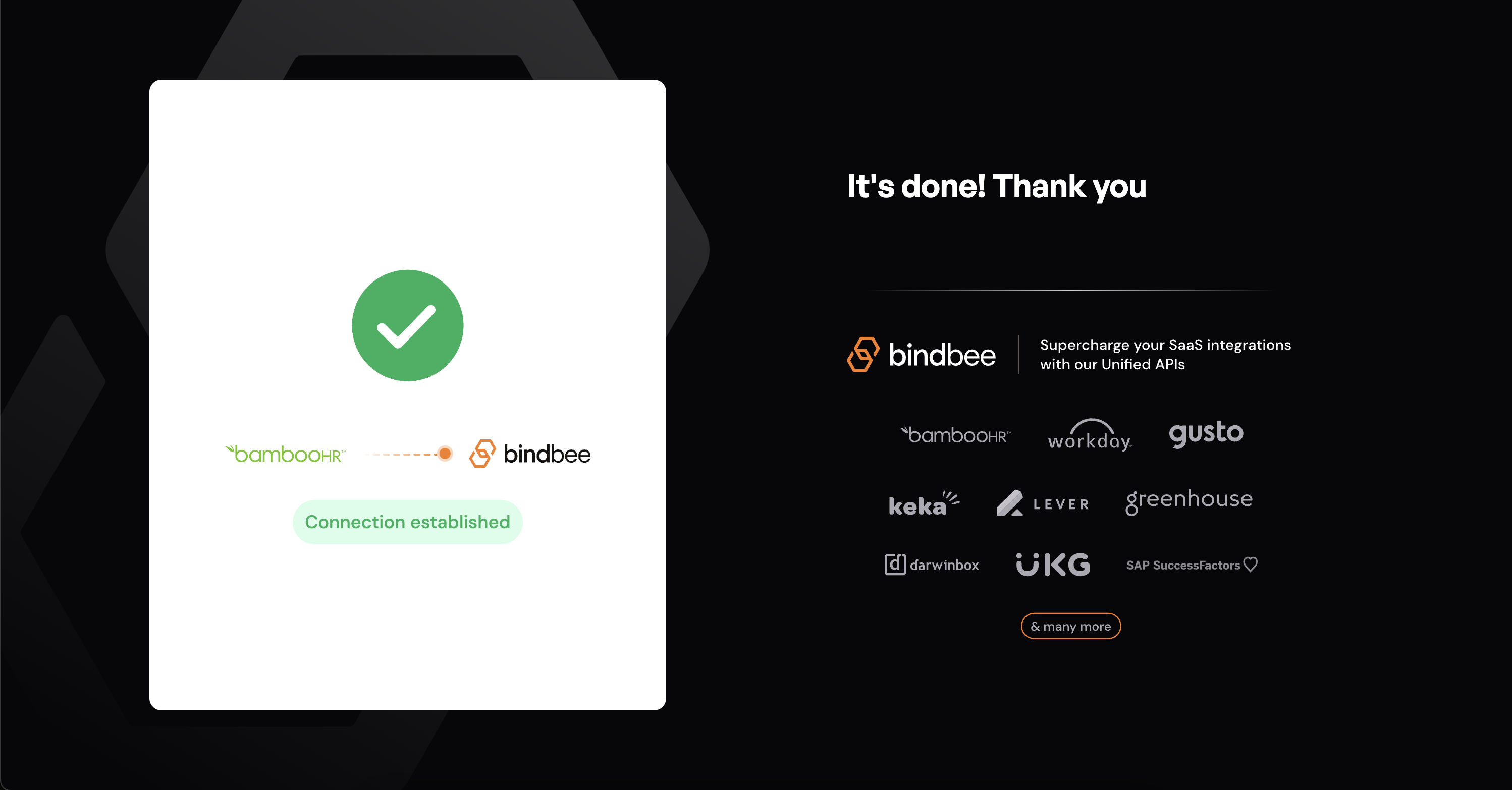 Once the end customer sees this screen, the connector will be now live in your account in Bindbee.