> ## Documentation Index
> Fetch the complete documentation index at: https://docs.bindbee.dev/llms.txt
> Use this file to discover all available pages before exploring further.
# Logs
> View Logs
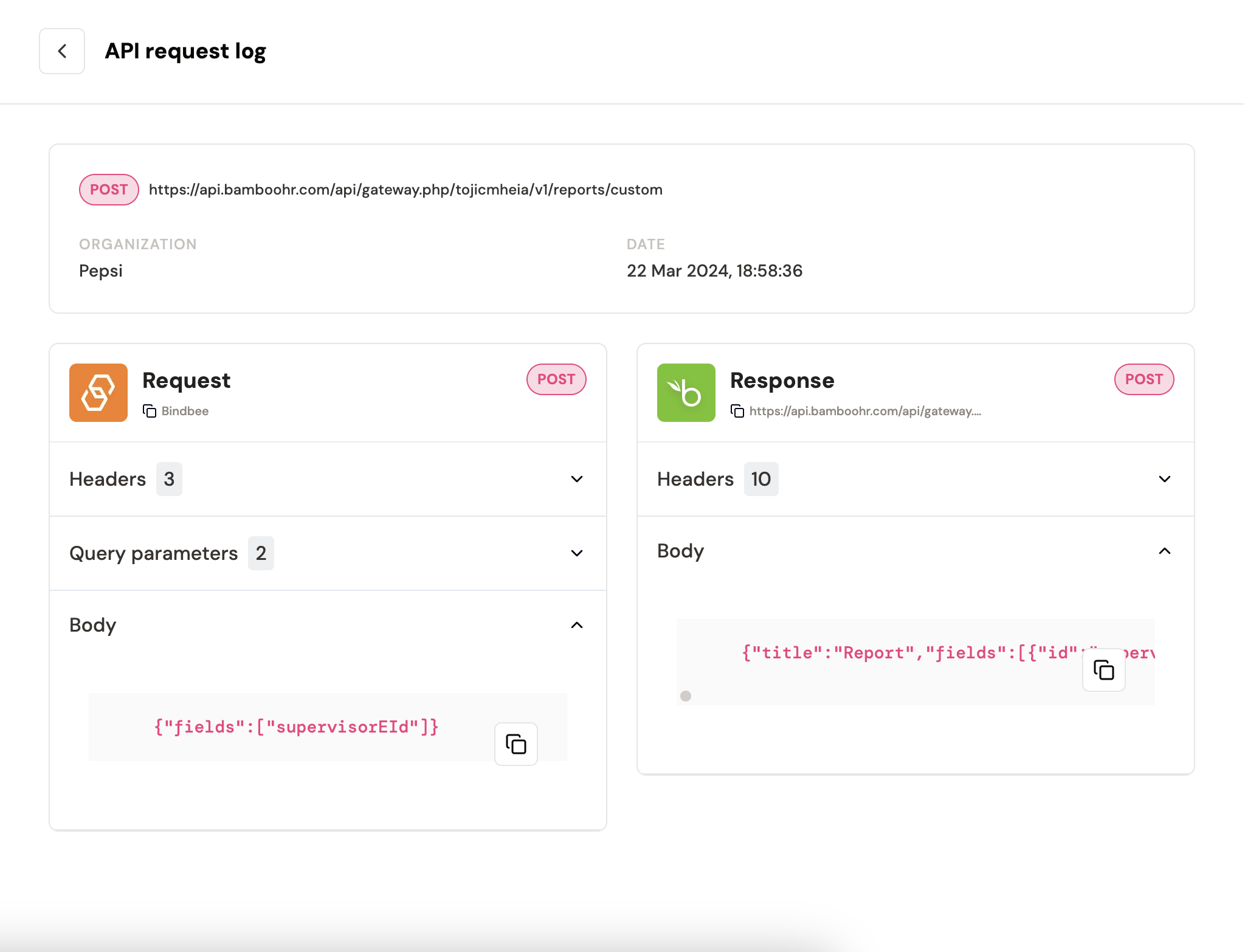
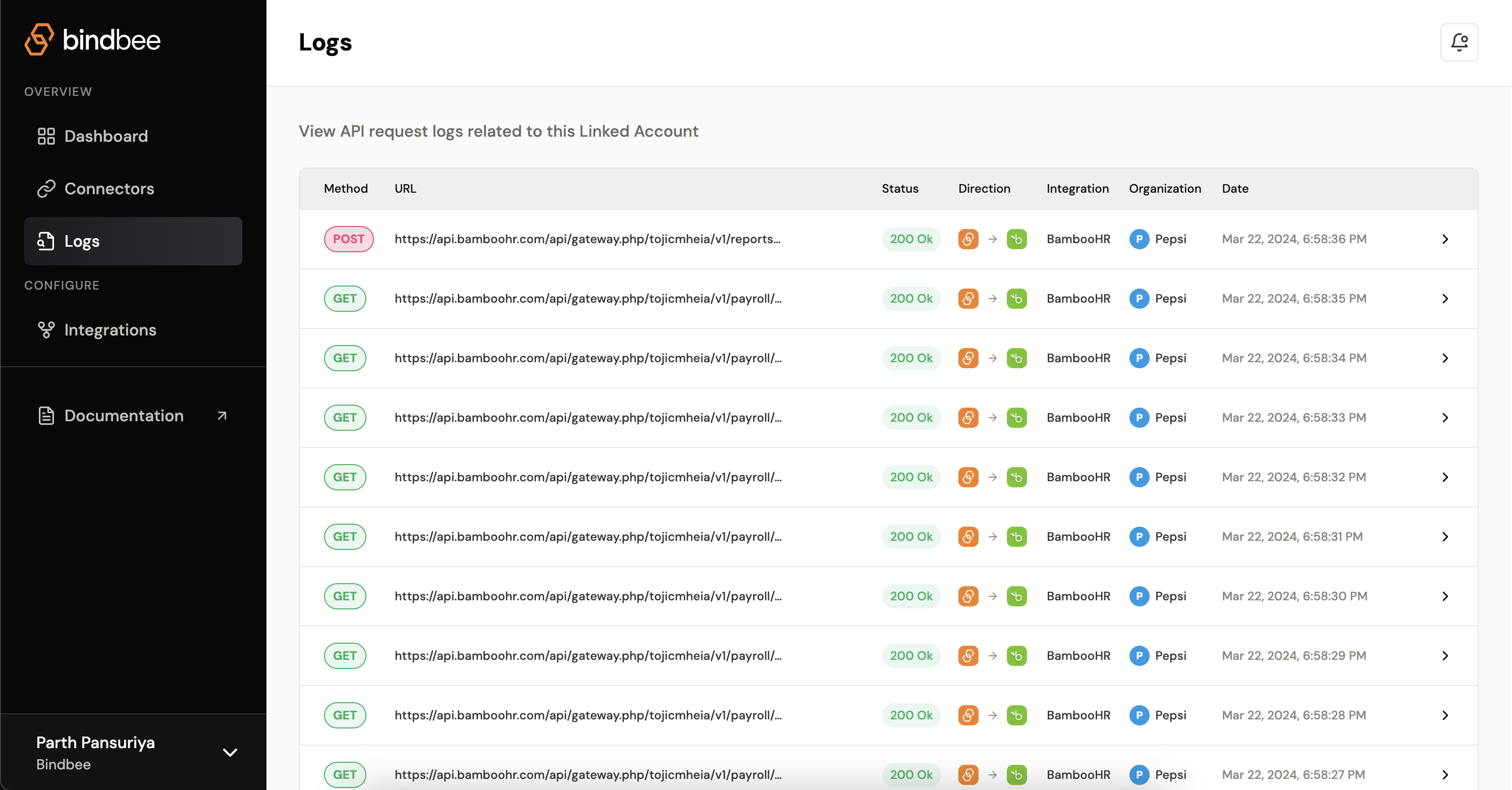
Bindbee Logs gives you real-time visibility into your API request and response data. With Logs, you'll be able to quickly identify the Request and response for a particular connector.
It's a hub where you get to see the direction of data, if it's READ or WRITE. Also with every request you get to understand the response. If the response is bad, system automatically shows the error code.
This is the first place you may want to go incase you wish to see if
integration is working or not.
 You can also see detailed view of perticular request